
- Posts: 2
Joomdle 1.0 Installation
How to find module position
- Gisella
- Topic Author
- Offline
- New Member
-

Less
More
10 years 11 months ago #1
by Gisella
How to find module position was created by Gisella
I have installed moodle & joomdle successfully with some trial and errors. System check is ok.
However I am unable to view the main content of moodle in mobile phones.
First, I do not know which module position moodle main content is sitting. My guess is the 'main body'. I tried adjusting the sliders in gantry but nothing happened.
Second, the contents (viewing in desktop) seems to be truncated. How can I adjust the length of the page? so that the page can go on and on.
Would appreciate any kind of advice.
Thanks in advance
However I am unable to view the main content of moodle in mobile phones.
First, I do not know which module position moodle main content is sitting. My guess is the 'main body'. I tried adjusting the sliders in gantry but nothing happened.
Second, the contents (viewing in desktop) seems to be truncated. How can I adjust the length of the page? so that the page can go on and on.
Would appreciate any kind of advice.
Thanks in advance
Please Log in or Create an account to join the conversation.
- Antonio Durán
-

- Offline
- Moderator
-

Less
More
- Posts: 7929
10 years 11 months ago #2
by Antonio Durán
Replied by Antonio Durán on topic How to find module position
Moodle is shown in wrapper, using main content space as you say.
I don't know what it shows on your desktop and not on your mobile. You could try a different template to see if it changes.
As for content being truncated: can you post an image so we can know what you mean?
I don't know what it shows on your desktop and not on your mobile. You could try a different template to see if it changes.
As for content being truncated: can you post an image so we can know what you mean?
Please Log in or Create an account to join the conversation.
- Gisella
- Topic Author
- Offline
- New Member
-
Less
More
- Posts: 2
10 years 11 months ago #3
by Gisella
Replied by Gisella on topic How to find module position
Hi Antonio,
Thanks for the reply.
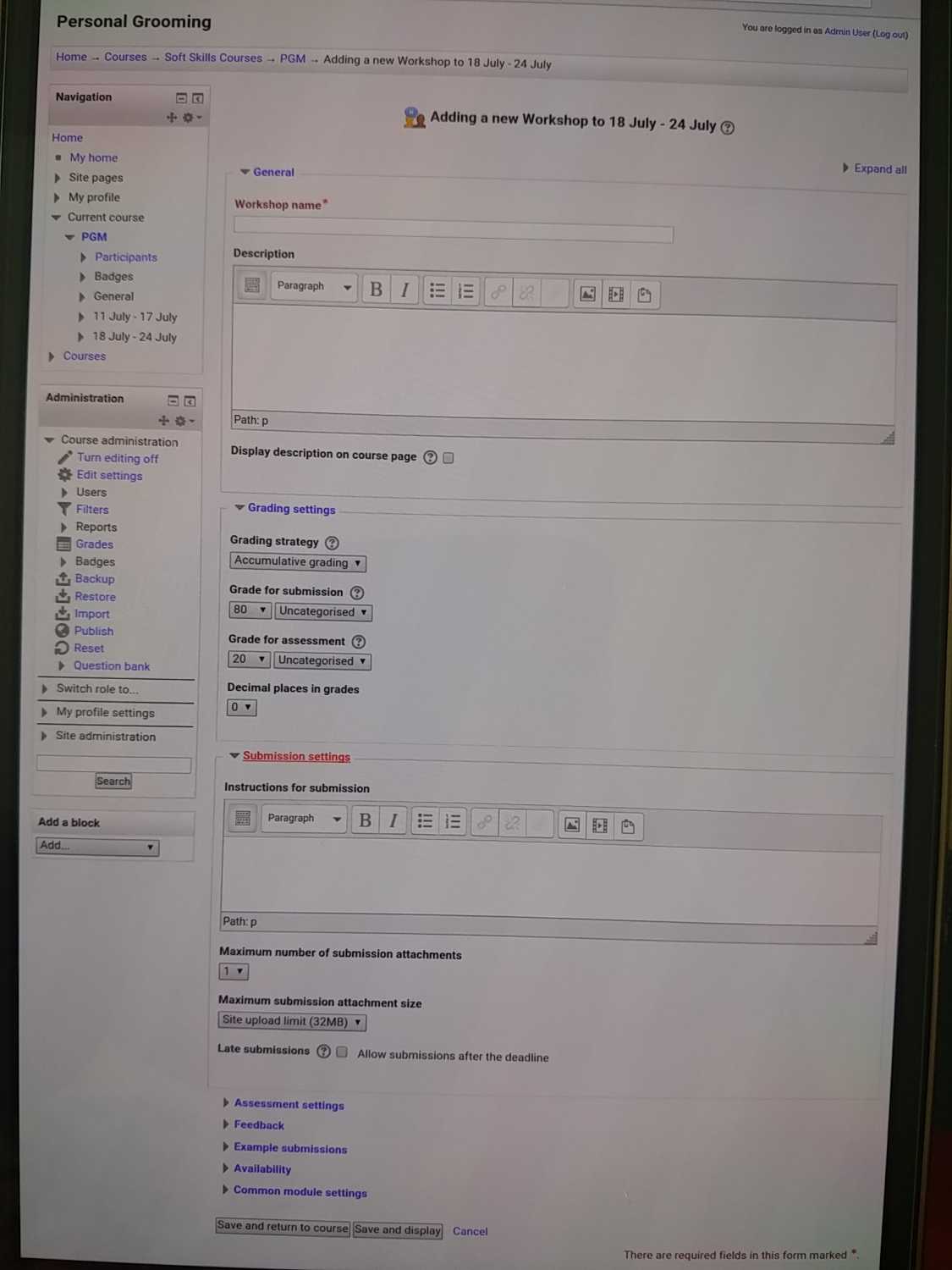
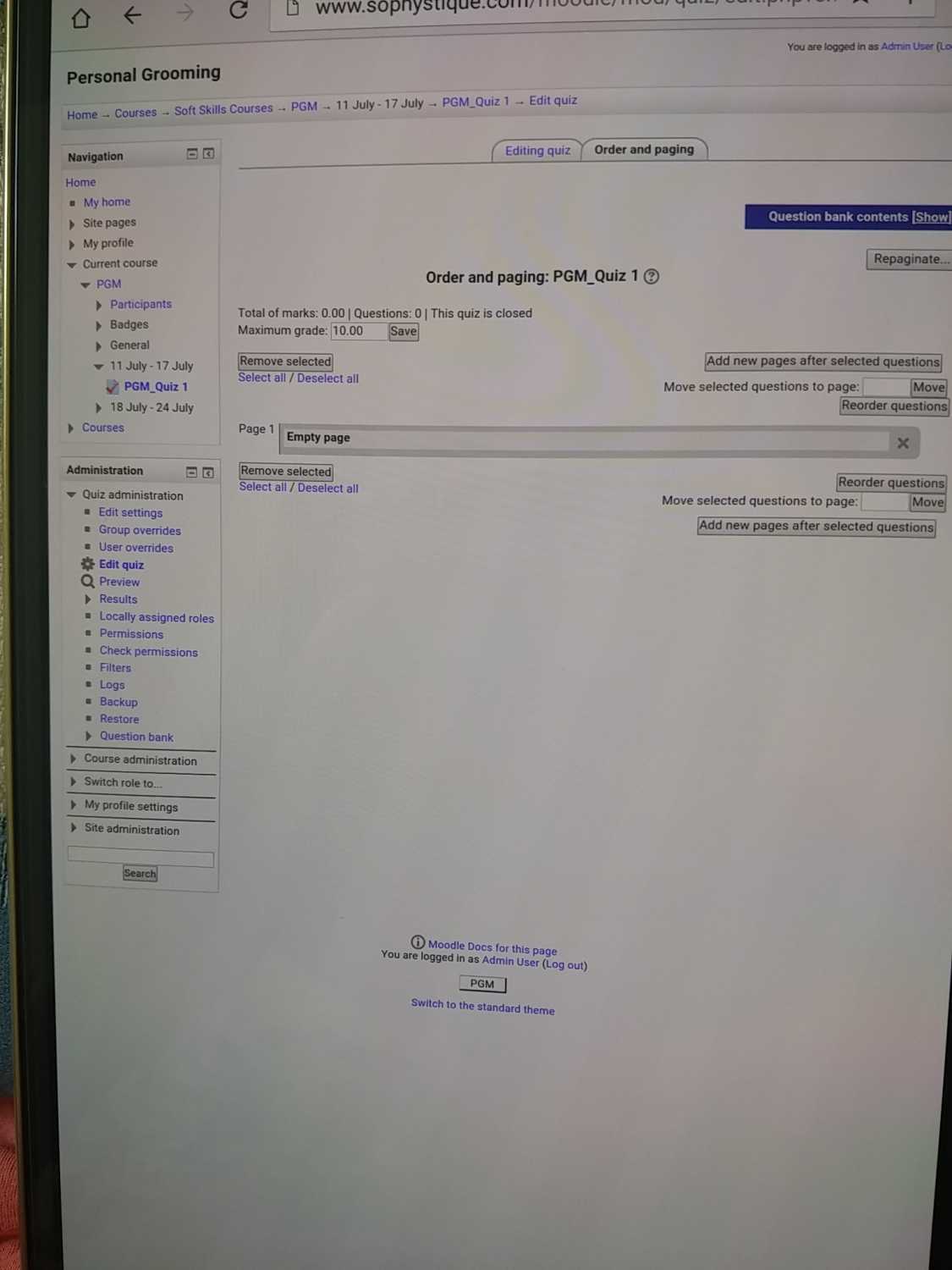
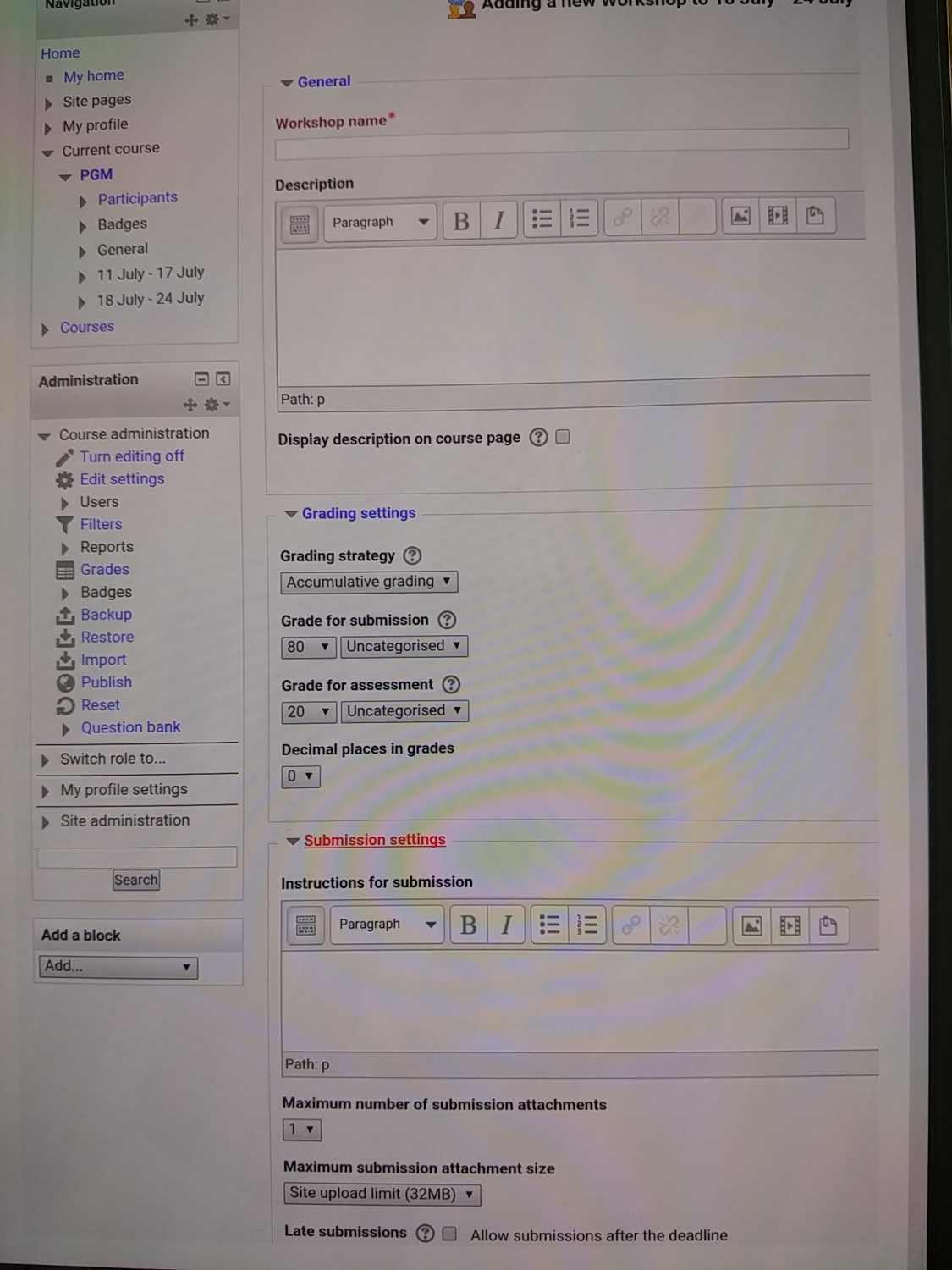
Here's the images showing the difference when shown on tablet or desktop when in Joomla/Joomdle, the page is truncated. Perhaps it is due to the template, am not sure. If I sign-in in www.sophystique.com/moodle , it shows more information on the right side and below.
Am using Joomdle 1.0.2 and moodle 2.6
If needed, I can PM password over.
Thanks for the reply.
Here's the images showing the difference when shown on tablet or desktop when in Joomla/Joomdle, the page is truncated. Perhaps it is due to the template, am not sure. If I sign-in in www.sophystique.com/moodle , it shows more information on the right side and below.
Am using Joomdle 1.0.2 and moodle 2.6
If needed, I can PM password over.
Please Log in or Create an account to join the conversation.
- Chris
-

- Offline
- Moderator
-
10 years 11 months ago #4
by Chris
Replied by Chris on topic How to find module position
Hi there,
I can see you are actually logged in as a teacher / administrator. Joomdle is designed for student views only and thus what you are looking at is your Moodle template.
Also, based on your pics, it appears as though you are not access the interface through Joomla and instead going straight to Moodle (again suggesting the problem is related to your Moodle template / Moodle). This is confirmed when I click on the link www.sophystique.com/moodle , I can see Joomla is not involved. If I go directly to your domain, I can see you are using a Rockettheme Joomla template. When I click on courses and personal grooming, all looks OK. That said, Guests do not have access to the course and also I see you are still loading the Moodle template.
I can see you are actually logged in as a teacher / administrator. Joomdle is designed for student views only and thus what you are looking at is your Moodle template.
Also, based on your pics, it appears as though you are not access the interface through Joomla and instead going straight to Moodle (again suggesting the problem is related to your Moodle template / Moodle). This is confirmed when I click on the link www.sophystique.com/moodle , I can see Joomla is not involved. If I go directly to your domain, I can see you are using a Rockettheme Joomla template. When I click on courses and personal grooming, all looks OK. That said, Guests do not have access to the course and also I see you are still loading the Moodle template.
Please Log in or Create an account to join the conversation.