
Register in the course automatically
- Thiago Alves
- Topic Author
- Offline
- Junior Member
-

Less
More
13 years 4 months ago - 13 years 4 months ago #1
by Thiago Alves
Register in the course automatically was created by Thiago Alves
Duran,
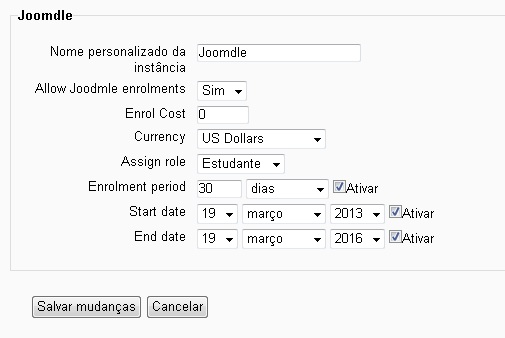
When students purchase a course in VirtueMart shop it is inserted into Moodle, but after the approval of the payment it is not automatically inserted into the course, I found the following possibilities or check list:
1 - advanced options - mnet_dispatcher_mode - on.
2 - User Joomdle - All permissions Freed.
3 - Web Service - All permissions Freed.
4 - Plugin Joomdle - Sign-enabled Currency U.S. Dollars.
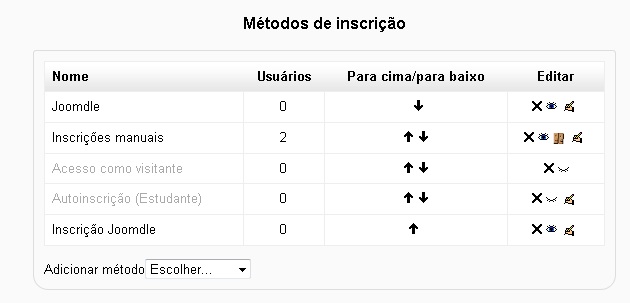
5 - Autoinscrição Manuals and Registration activated within the course.
6 - Web Service - Enabled to allow students to create designated functions.
The currency that is used in U.S. Dollars VirtueMart and Moodle Joomdle there is no such option, I'm using U.S. Dollars. That will be the focus of the problem? If yes, how has this option to enter the plugin Joomdle in Moodle?
Some fields are not filled automatically Joomla Moodle as City for example, and are mandatory, tried to use the mapping VirtueMart for Moodle but had no success.
I await your analysis
Sincerely,
When students purchase a course in VirtueMart shop it is inserted into Moodle, but after the approval of the payment it is not automatically inserted into the course, I found the following possibilities or check list:
1 - advanced options - mnet_dispatcher_mode - on.
2 - User Joomdle - All permissions Freed.
3 - Web Service - All permissions Freed.
4 - Plugin Joomdle - Sign-enabled Currency U.S. Dollars.
5 - Autoinscrição Manuals and Registration activated within the course.
6 - Web Service - Enabled to allow students to create designated functions.
The currency that is used in U.S. Dollars VirtueMart and Moodle Joomdle there is no such option, I'm using U.S. Dollars. That will be the focus of the problem? If yes, how has this option to enter the plugin Joomdle in Moodle?
Some fields are not filled automatically Joomla Moodle as City for example, and are mandatory, tried to use the mapping VirtueMart for Moodle but had no success.
I await your analysis
Sincerely,
Last edit: 13 years 4 months ago by Thiago Alves.
Please Log in or Create an account to join the conversation.
- Antonio Durán
-

- Away
- Moderator
-

Less
More
- Posts: 7936
13 years 4 months ago #2
by Antonio Durán
Replied by Antonio Durán on topic Register in the course automatically
What versions are you using?
Please Log in or Create an account to join the conversation.
- Thiago Alves
- Topic Author
- Offline
- Junior Member
-
13 years 4 months ago #3
by Thiago Alves
Replied by Thiago Alves on topic Register in the course automatically
- Joomla 2.5.9
- Moodle 2.2.7
- VirtueMart 2.0.18a
- Plugin JoomdleVM (plg_system_joomdlevm2.zip)
- Joomdle 0.9 (joomdle-0.9-for-joomla25)
- Moodle 2.2.7
- VirtueMart 2.0.18a
- Plugin JoomdleVM (plg_system_joomdlevm2.zip)
- Joomdle 0.9 (joomdle-0.9-for-joomla25)
Please Log in or Create an account to join the conversation.
- Thiago Alves
- Topic Author
- Offline
- Junior Member
-
13 years 4 months ago #4
by Thiago Alves
Replied by Thiago Alves on topic Register in the course automatically
In this paragraph:
The currency that is used in U.S. Dollars VirtueMart and Moodle Joomdle there is no such option, I'm using U.S. Dollars. That will be the focus of the problem? If yes, how has this option to enter the plugin Joomdle in Moodle?
Replace this:
The currency of Brazil is the Brazilian real. I'm using this currency in VirtueMart. But there is no such coin in JoomdleVM2.0 plugin installed on Moodle. Will this be the problem. If yes, how to insert the currency of Brazilian Real to plugin JoomdleVM2.0 and solve the problem?
Thanks
The currency that is used in U.S. Dollars VirtueMart and Moodle Joomdle there is no such option, I'm using U.S. Dollars. That will be the focus of the problem? If yes, how has this option to enter the plugin Joomdle in Moodle?
Replace this:
The currency of Brazil is the Brazilian real. I'm using this currency in VirtueMart. But there is no such coin in JoomdleVM2.0 plugin installed on Moodle. Will this be the problem. If yes, how to insert the currency of Brazilian Real to plugin JoomdleVM2.0 and solve the problem?
Thanks
Please Log in or Create an account to join the conversation.
- Antonio Durán
-
- Away
- Moderator
-
Less
More
- Posts: 7936
13 years 4 months ago #5
by Antonio Durán
Replied by Antonio Durán on topic Register in the course automatically
No, I don't think currency is any problem.
Most common problems:
- order not confirmed
- VM categories not correct
- manual entol method diabled in course
Most common problems:
- order not confirmed
- VM categories not correct
- manual entol method diabled in course
Please Log in or Create an account to join the conversation.
- Thiago Alves
- Topic Author
- Offline
- Junior Member
-
13 years 4 months ago #6
by Thiago Alves
Replied by Thiago Alves on topic Register in the course automatically
Duran,
1 - The order has been confirmed.
2 - The categories are on VM
3 - Manual Method is enabled in Moodle
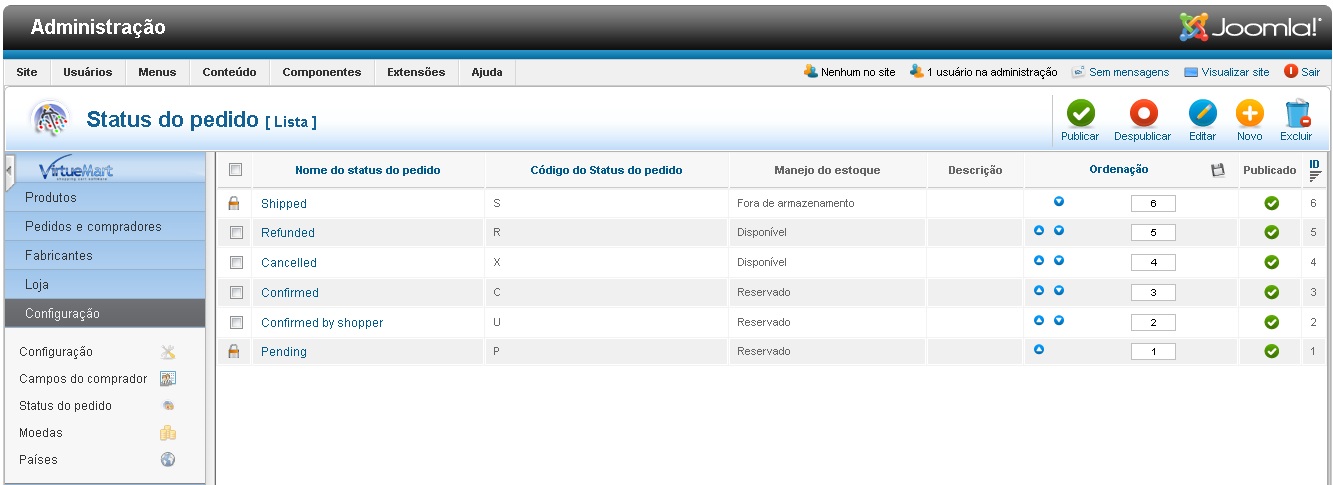
In VirtueMart:
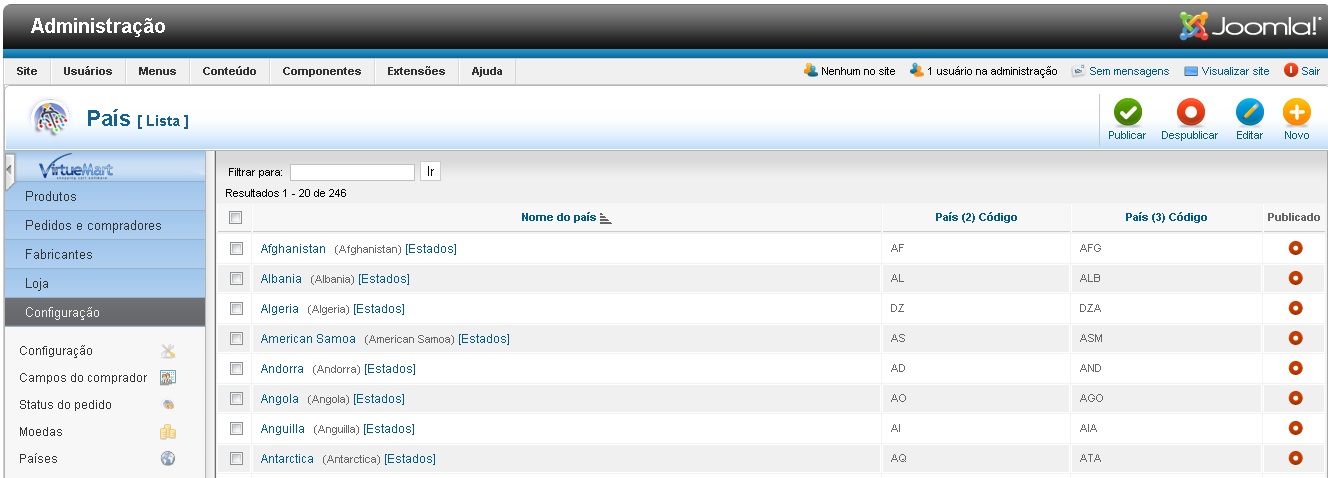
- Parents enabled only Brazil
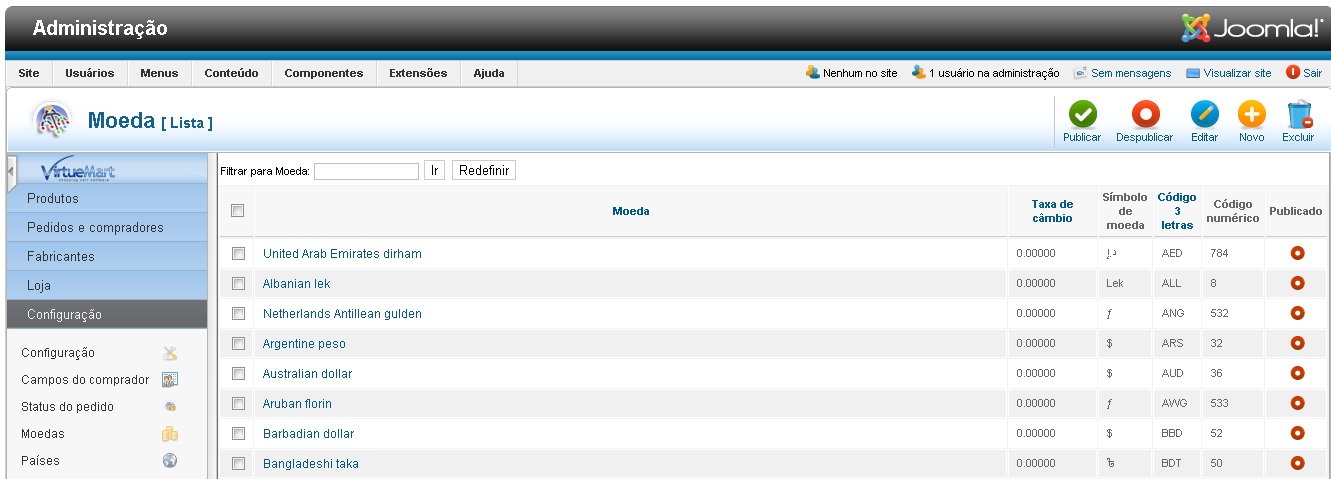
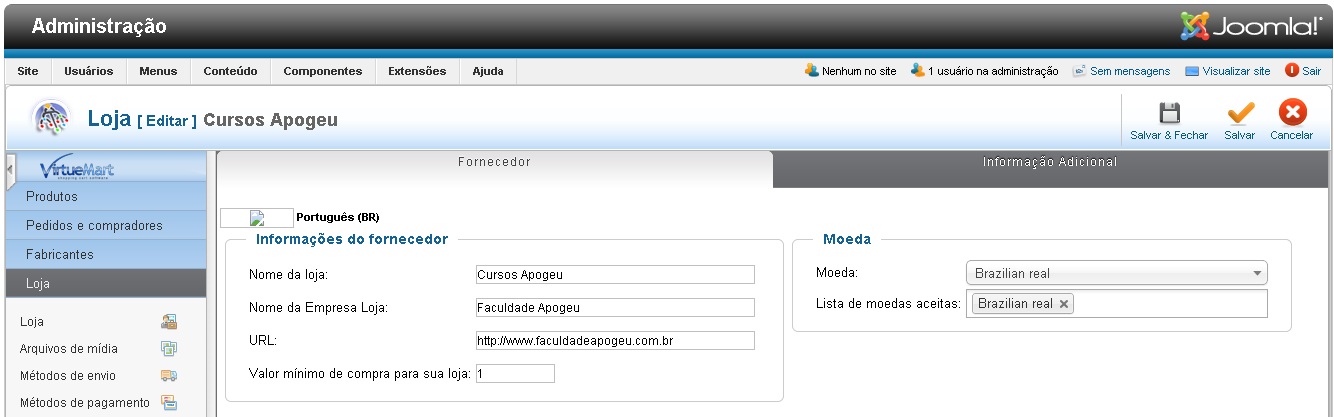
- Currency enabled only Brazilian Real
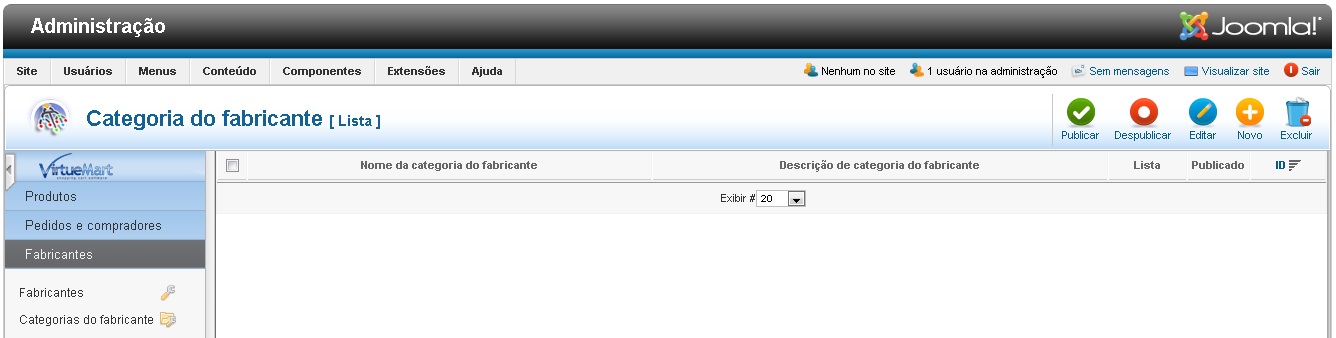
- Categories exists
What will be the problem?
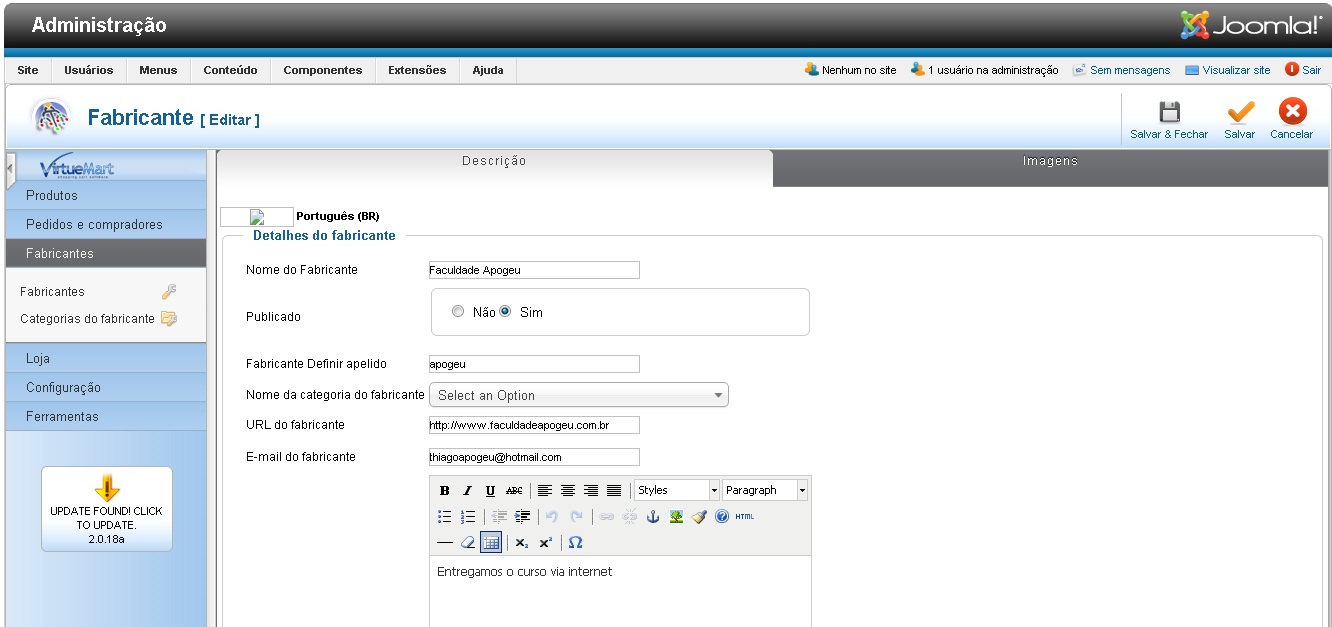
Here's some screens attached VM.
thank you
1 - The order has been confirmed.
2 - The categories are on VM
3 - Manual Method is enabled in Moodle
In VirtueMart:
- Parents enabled only Brazil
- Currency enabled only Brazilian Real
- Categories exists
What will be the problem?
Here's some screens attached VM.
thank you
Please Log in or Create an account to join the conversation.
- Thiago Alves
- Topic Author
- Offline
- Junior Member
-
13 years 4 months ago #7
by Thiago Alves
Replied by Thiago Alves on topic Register in the course automatically
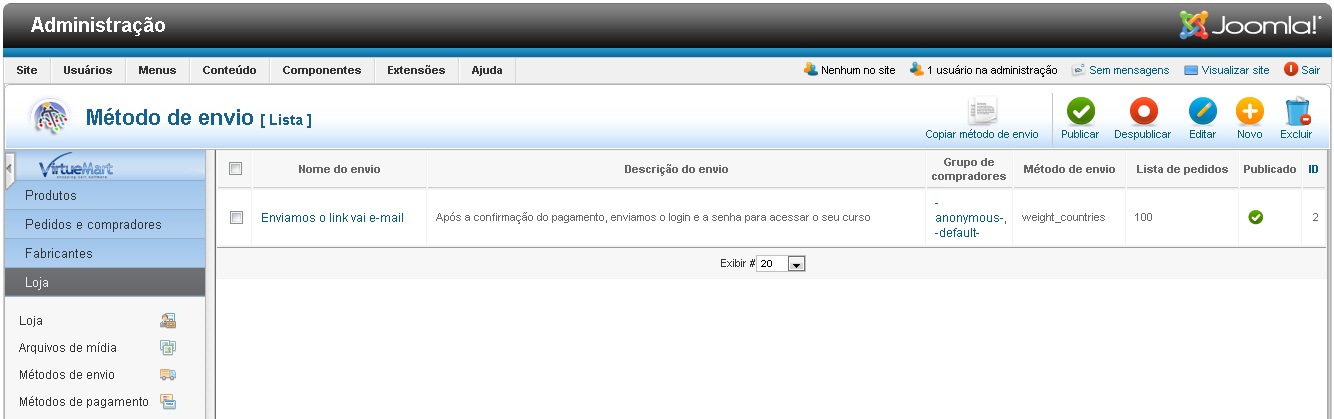
Here's some screens attached VM.
Please Log in or Create an account to join the conversation.
- Thiago Alves
- Topic Author
- Offline
- Junior Member
-
13 years 4 months ago #8
by Thiago Alves
Replied by Thiago Alves on topic Register in the course automatically
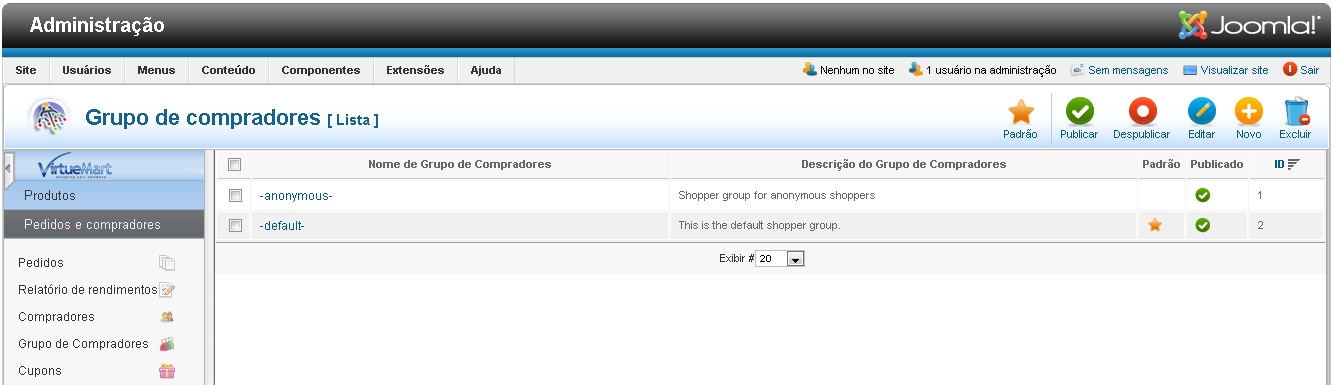
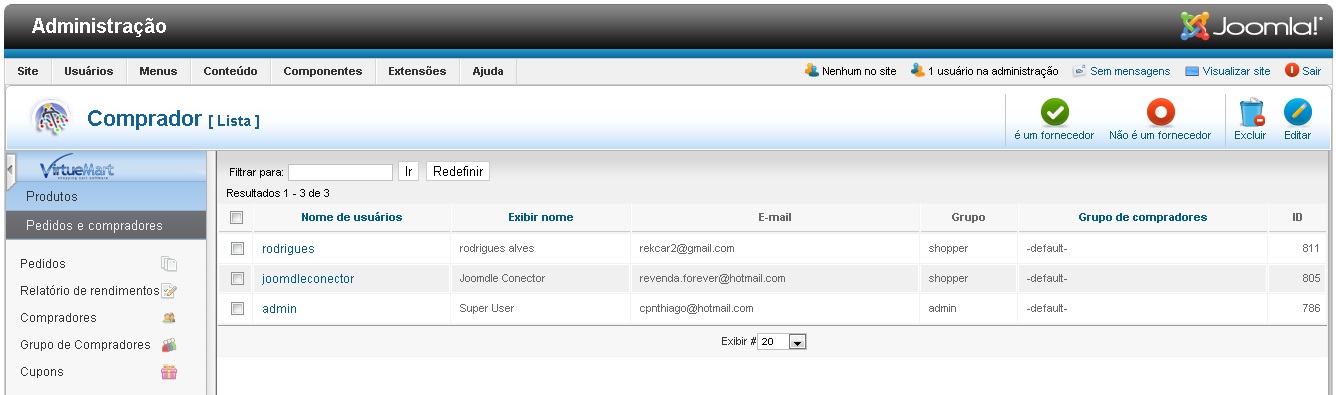
Here's some screens attached VM 2
Please Log in or Create an account to join the conversation.
- Thiago Alves
- Topic Author
- Offline
- Junior Member
-
13 years 4 months ago #9
by Thiago Alves
Replied by Thiago Alves on topic Register in the course automatically
Duran,
Its make a practical test on the side of Moodle and VM and check if everything is ok?
Sincerely,
Its make a practical test on the side of Moodle and VM and check if everything is ok?
Sincerely,
Please Log in or Create an account to join the conversation.
- Antonio Durán
-
- Away
- Moderator
-
Less
More
- Posts: 7936
13 years 4 months ago #10
by Antonio Durán
Replied by Antonio Durán on topic Register in the course automatically
Check also that you haven't enabled "buy courses for children"
Please Log in or Create an account to join the conversation.